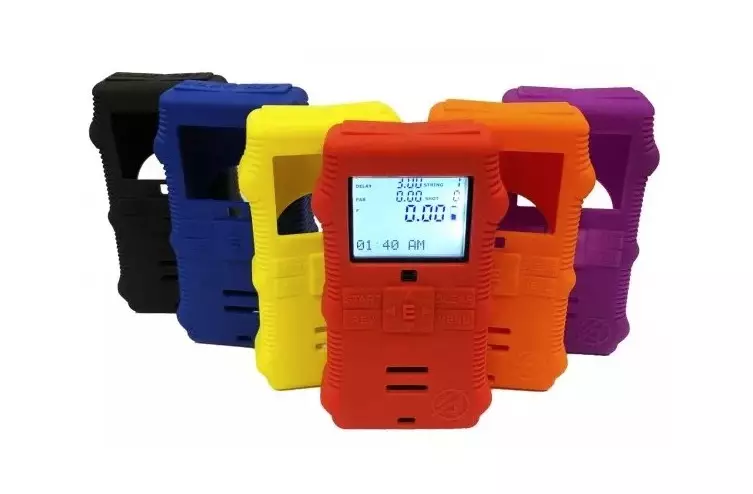
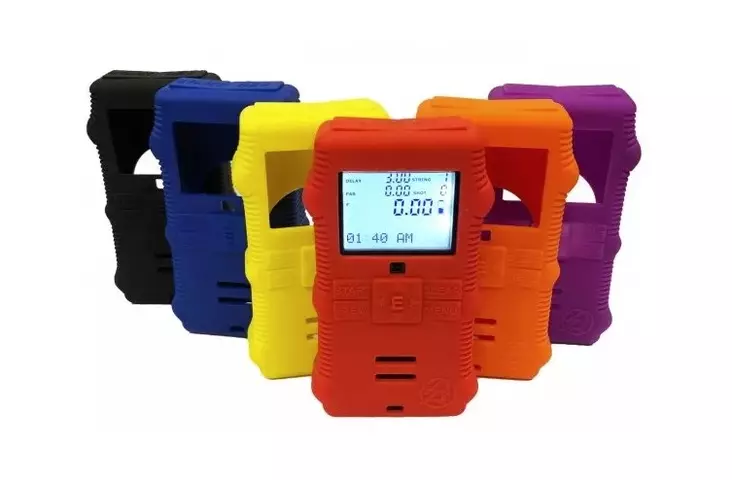
DAA Tactical CED7000 GEN-1/2 Skin Silicone protective cover for Gen 1 and Gen 2 CED 7000 timer The protective cover features a round hole on the back, where the Velcro tab attaches to the DAA Timer Velcro belt loop. Includes Velcro tab and cleaning cloth. How to attach the round Velcro Tab to your CED7000 timer: 1. Use the included alcohol swab to clean the back of your timer and allow it to dry. 2. Insert the timer into the skin, ideally through the display opening. 3. Secure the included Velcro Tab in place in the 40mm hole on the back of the skin. Press down for several seconds. 4. Allow 12-24 hours before using the Velcro tab, to ensure the adhesive reaches full strength.